Table of Contents
- 🧩 Quick Take
- 🔍 The Hook: Why a Voxel Builder with Gemini 3 Matters
- 🎮 What the App Does
- 🖼️ Examples I Tried
- 🧠 How Gemini 3 Approached the Problem
- 🛠️ Implementation Notes: How I Built the Demo
- 🧪 Observed Behaviors and User Experience
- 🗣️ Notable Quotes
- 🐦 The Pelican-on-a-Bicycle Challenge
- 📐 Design Recommendations for Voxel Art Generators
- ⚙️ UX Patterns and Controls I Added
- 📈 Why This Approach Scales
- 🧭 Use Cases I Envision
- 🧩 Limitations and How to Address Them
- ✍️ Prompting Patterns That Worked
- 🔧 Export Formats and Integration
- 🧠 Behind the Scenes: Gemini 3 Strengths
- 📣 A Note on Collaboration and Credit
- 🔮 Future Directions
- 📚 Practical Tips for Developers
- 🧾 Press-Style Summary
- ❓ Frequently Asked Questions
- 🔚 Final Thoughts
🧩 Quick Take
I built and tested a voxel art builder powered by Gemini 3 inside AI Studio. The app ingests images, constrains them to a fixed block palette, and reconstructs shapes as 3D voxel builds. What stood out was how the model repurposes limited colors and blocks to approximate a variety of inputs—everything from a preset cat to a "celestial tree." The constraints forced creativity and revealed surprising strengths and limitations of generative 3D reconstruction.
🔍 The Hook: Why a Voxel Builder with Gemini 3 Matters
I want to start with a simple observation: constraints inspire creativity. In this project I worked with a voxel builder that only had a finite number of block types and colors. That limitation turned a straightforward image-to-voxel task into a design problem for the model.
The practical implication is big. When you limit a generative model to a small palette and a fixed number of voxels, you force it to prioritize the most salient visual features. That’s exactly what Gemini 3 did. It didn't try to replicate every detail. Instead it identified essential shapes and colors and reinterpreted them within the given constraints. The result was expressive, often charming, and sometimes wildly inventive.
🎮 What the App Does
The app is a voxel art builder with a gallery of preset voxel sculptures and an option to upload custom images. Once the image is uploaded, Gemini 3 generates a set of voxel configurations that approximate that image using only the blocks available in the app’s palette.
There are three key behaviors I observed:
- Preset model usage — The app includes presets like a cat; the model uses existing blocks and pre-built structures to adapt new inputs.
- Image ingestion — Upload an image and Gemini 3 attempts to translate it into a voxel blueprint.
- Constraint-driven reconstruction — The model respects a finite block count and color palette, often recombining blocks into novel forms to capture the essence of the input.
🖼️ Examples I Tried
I fed the builder a few different inputs and watched how Gemini 3 handled each. One preset that was already in the gallery was a cat, which it used as a template for other feline-like options. Then I uploaded a "Celestial Chi" image and asked it to turn that into a voxel option.
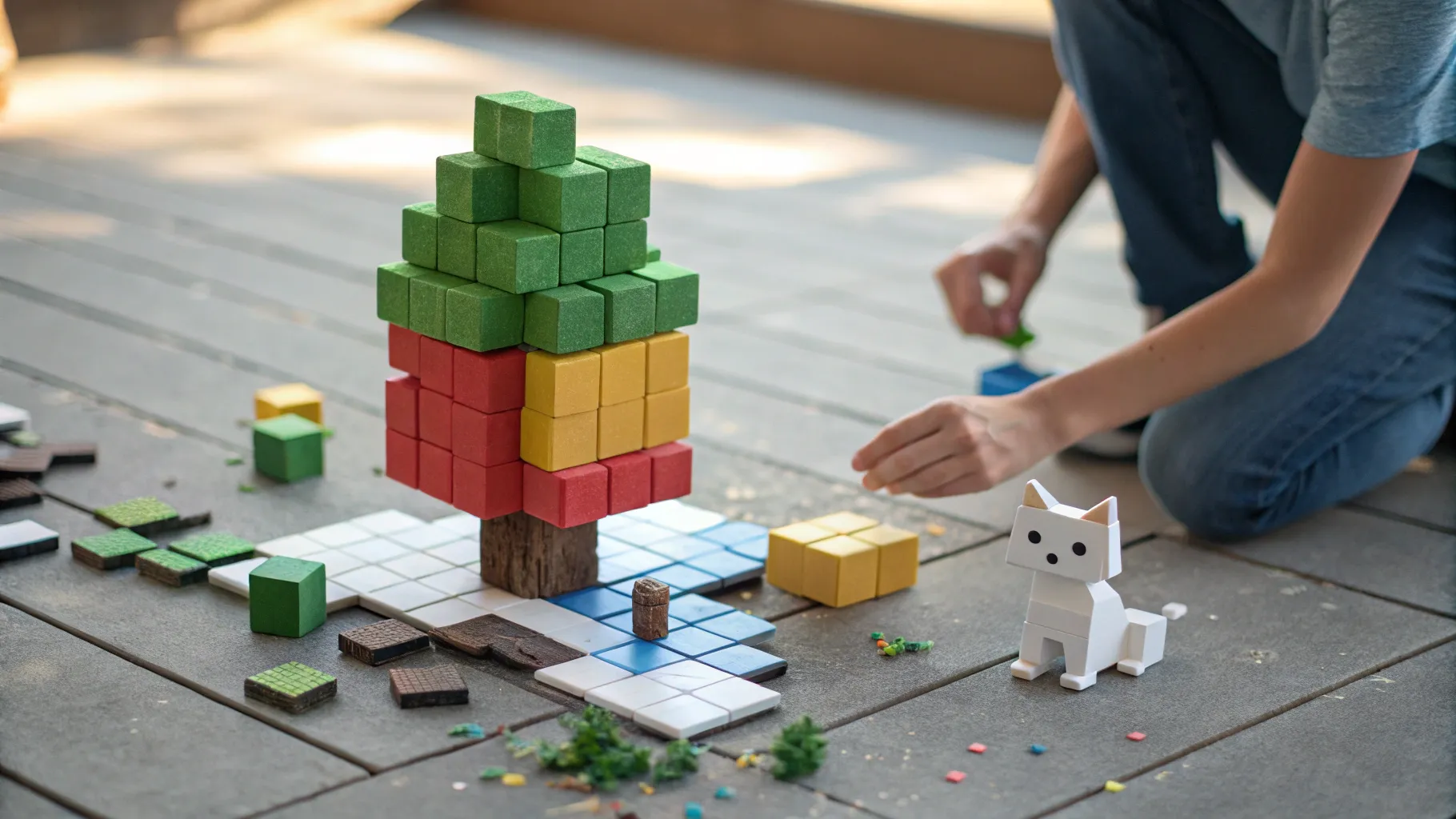
The Celestial Chi example is telling because the palette available in the app consisted mainly of browns and greens, plus a few other block types. The model still found a creative way to map the celestial theme into the available blocks, producing a voxel tree that read as ethereal despite the earthy colors. That’s when I said, "I feel like the constraint of the limited number of blocks is really interesting," and I meant it. The result was more deliberate and interesting than a brute-force voxelization would have been.
🧠 How Gemini 3 Approached the Problem
Gemini 3 does a few things when it receives an image for voxel reconstruction:
- It identifies the image’s dominant shapes and color zones.
- It maps those regions to the available block types and colors, prioritizing feature preservation over pixel-perfect matching.
- It compiles a voxel plan that respects the block count limit and the geometry of the scene.
The interesting piece is step two. Instead of complaining about missing colors or infinite resolution, Gemini 3 repurposes available blocks to convey form and texture. That's a skill often overlooked in model evaluations. Accuracy is not always the goal; perception and interpretability matter more for human-facing art tools.
🛠️ Implementation Notes: How I Built the Demo
Technically, the app plugs into AI Studio and uses Gemini 3 as the generative back end. The flow looks like this:
- User selects a preset or uploads an image.
- Frontend captures the image and sends it to Gemini 3 along with constraints: number of blocks, palette list, and any style hints.
- Gemini 3 returns a voxel blueprint in a compact format (list of block positions and types).
- The frontend renders the voxel structure in a 3D viewer and provides variations to the user.
For the demo I kept the palette intentionally limited to emphasize constraint-driven creativity. The model’s task was to make the best possible shape and color mapping with those resources.
🧪 Observed Behaviors and User Experience
These are practical takeaways from testing the builder in real time:
- High-level shape retention: The model reliably keeps the overall silhouette of the subject. A tree still reads as a tree, a cat reads as a cat, even if colors shift.
- Palette improvisation: When exact colors are unavailable, Gemini 3 substitutes similar hues or reorganizes blocks to suggest the missing shade.
- Playful interpretations: Sometimes the reconstruction is delightfully unexpected—parts are exaggerated, shapes are simplified, and artistic liberties are taken.
- Failure modes: Complex textures, fine gradients, or very intricate shapes can become muddled or abstracted when the palette and block count are too limited.
🗣️ Notable Quotes
“This is a cool app that's in our gallery that has a few preset images but also allows you to type in any prompts and it has a finite number of blocks for each thing it creates so then you can break and it'll Gemini will reform them into a shape.” — Kat Kampf
I keep replaying that quote in my head because it captures the core design idea: prompt flexibility within hard constraints. That mix is where interesting behavior emerges.
🐦 The Pelican-on-a-Bicycle Challenge
At one point I proposed the “real test” — can the model create a pelican on a bicycle in the voxel environment? Simon Williamson has a popular pelican SVG piece, and suggesting that specifically was both a playful nudge and a good stress test.
A pelican on a bicycle has two characteristics that make it hard: an unusual silhouette and interactive components (the bird and the mechanical bicycle parts). With a small palette and limited number of blocks, Gemini 3 has to balance bird features versus bike features and decide which elements to prioritize.
I think challenges like this are useful because they force designers to think about objective functions. Do you want fidelity to the bird, fidelity to the bike, or the overall storytelling moment? That decision should feed into the prompt and constraint settings you send to the model.
📐 Design Recommendations for Voxel Art Generators
If I were advising someone building a similar tool, here are the practical best practices I'd offer:
- Expose constraint controls: Let users change block count and palette size. That shifts the problem from a single automatic decision to a human-in-the-loop creative process.
- Provide prioritized prompts: Allow users to indicate which element is most important—shape, color, or texture. That can be a simple slider or a set of options like "Prioritize silhouette" or "Prioritize color fidelity."
- Offer multiple variants: Generate several reconstructions and let users pick the one they like. Diversity increases the chance of a satisfying outcome.
- Include a feedback loop: Let users nudge the reconstruction by swapping blocks or changing a color, and then regenerate the rest of the model around those edits.
- Remember affordances: Blocks behave differently in voxel art depending on orientation and adjacency. Give the model information about gravity, connectivity, or structural rules if your app cares about buildability.
⚙️ UX Patterns and Controls I Added
For a demo that feels useful rather than gimmicky, I focused on a few key UX controls:
- Upload or pick preset: A gallery of presets plus an upload field for new images.
- Palette editor: A small panel showing the blocks and colors available; users can swap in/out blocks before generation.
- Block budget slider: A slider that determines the maximum number of blocks Gemini 3 can use.
- Variation chamber: Batch generation for 4–8 variants so users can choose the most compelling output.
- One-click export: Allow downloading the voxel blueprint for game engines or printing as instructions for a physical build.
📈 Why This Approach Scales
Limiting palette and block count creates a bounded search space for the model. That can reduce compute costs and improve generation speed. It also aligns with many practical constraints in games, AR, and mobile experiences where memory and rendering budgets are real.
From a content pipeline perspective, having a compact voxel blueprint makes downstream use easier. You can export to common voxel formats, integrate into a scene, or convert to a mesh without huge file sizes. That matters for creators who want to use generative art in production systems.
🧭 Use Cases I Envision
Here are a few practical places a constrained voxel generator like this fits well:
- Indie games: Quick scene or character mockups that match a stylized block aesthetic.
- Avatar builders: Users can upload a photo and get a stylized voxel avatar.
- Educational tools: Kids learn basic 3D composition by experimenting with prompts and palettes.
- Rapid prototyping: Designers iteratively test concepts and block budgets for level design.
- Creative toolkits: Enable artists to explore remixable voxel sculptures at low cost.
🧩 Limitations and How to Address Them
No tech is perfect. Here are the important limitations I found and the practical ways to mitigate them:
- Loss of detail: When the palette and block budget are too tight, fine textures vanish. Mitigate by allowing multi-scale generation: use larger blocks for broad shape and smaller blocks to capture critical features.
- Ambiguous mapping: Some colors and textures may map poorly to any single block. Allow users to supply "priority swatches" to nudge mapping.
- Structural nonsense: Generated voxel assemblies might not be physically plausible if your app cares about buildability. Introduce simple physics constraints or a post-processing step to check connectivity.
- Semantic errors: The model might overemphasize one semantic element over another, like emphasizing a hat on a character while losing the face. Offer semantic hint options that emphasize features.
✍️ Prompting Patterns That Worked
Prompt design matters even in image-to-voxel tasks. Here are templates I used successfully:
- Style first: "Create a voxel sculpture of this image in a blocky, low-color palette. Prioritize silhouette and mood over exact color."
- Object-first: "Rebuild this image as a voxel tree. Preserve canopy shape and trunk thickness. Use available brown and green blocks."
- Feature-first: "Make a stylized version focusing on the central emblem. Reduce detail elsewhere."
These prompts helped Gemini 3 make deliberate trade-offs instead of guessing what I cared about. Explicitness beats ambiguity.
🔧 Export Formats and Integration
I kept the output format simple: a list of block coordinates and types that can be converted to several common voxel formats. That made it trivial to import into a WebGL renderer, a game engine, or even a 3D printing pipeline.
For a production tool, consider supporting multiple export options:
- Native voxel formats used by popular editors.
- OBJ or glTF converted meshes for 3D apps.
- Instruction sets for physical block assembly if you want to go tactile.
🧠 Behind the Scenes: Gemini 3 Strengths
Gemini 3 excels at abstraction. It doesn’t try to slavishly recreate pixels; instead it extracts higher-order concepts like silhouette, color massing, and semantic regions. That makes it well suited for tasks where interpretation matters more than fidelity.
Another advantage is the ability to accept textual hints. Combining image input with short textual instructions unlocked purposeful variations. For example, telling the model to emphasize the "celestial" aspect of the Celestial Chi image produced results that felt more magical, even with an earthy palette.
📣 A Note on Collaboration and Credit
This project was playful and collaborative. Simon Williamson’s pelican SVG is a fun cultural reference in the creative tooling community, and it served as a great stress test for the model’s ability to handle oddball requests.
I find these kinds of community-driven prompts helpful when exploring the limits of generative tools. They reveal failure modes, spark feature ideas, and make development more entertaining.
🔮 Future Directions
Where can this go next? A few promising directions:
- Multi-resolution voxelization: Allowing nested block sizes would capture both silhouette and detail.
- Semantic tagging: Let the model output semantic labels (face, trunk, wheel) alongside block placements so downstream editors can let users tweak specific parts.
- Interactive regeneration: Live editing where users remove or replace blocks and the model refills context-aware content.
- Physics-aware builds: Enforce structural integrity so exported designs are buildable in the real world.
- Style transfer: Transfer a particular voxel artist’s signature palette or brushwork to new inputs.
📚 Practical Tips for Developers
If you’re building something similar, here are the pragmatic lessons I’d pass along:
- Design for constraints: Don’t treat limited palettes as a bug. Embrace them as a design feature and expose controls to the user.
- User-in-the-loop: Generation should be the start of interaction, not the end. Offer easy editing and regeneration hooks.
- Focus on export: Provide multiple formats so creators can use outputs in games, AR, or printing without friction.
- Measure what matters: Traditional metrics like pixel error are not helpful here. Use perceptual or user satisfaction measures instead.
- Keep prompts short and precise: The best results came from concise instructions that set priorities, not from verbose descriptions.
🧾 Press-Style Summary
At a glance: I showcased a voxel art builder that uses Gemini 3 to turn images into constrained voxel sculptures. The model creatively reinterprets inputs when forced into a limited block palette. Examples like a celestial tree demonstrated how constraints can yield surprising artistry. A playful challenge to make a pelican on a bicycle highlighted the model’s decision-making when balancing competing elements.
❓ Frequently Asked Questions
What is a voxel art generator and how does it differ from regular 3D models?
A voxel art generator produces objects as assemblies of small volumetric pixels called voxels. Unlike mesh-based 3D models that use triangles and smooth surfaces, voxel models are grid-based and blocky. This makes them easier to edit at the block level and simpler to export into formats used by many games and creative apps.
How does Gemini 3 convert an image into a voxel sculpture?
Gemini 3 analyzes the image for dominant shapes, color zones, and semantic regions. It then maps those into the available blocks and colors, constrained by the maximum block count. The model prioritizes perceptual features like silhouette and prominent details, and it produces a voxel blueprint that the front-end renders.
Why limit the block palette or block count?
Limiting the palette and block count reduces complexity, speeds up generation, and creates an aesthetic. It forces the model to focus on the most important features, often resulting in more compelling, stylized output. It also aligns with memory and rendering constraints in games and mobile applications.
Can the generator create physically buildable voxel designs?
Out of the box, generated voxel assemblies might not be structurally sound. To guarantee buildability, add physics checks or constraints during generation or a post-processing step that enforces connectivity and support rules. That will make exported designs practical for physical assembly.
What are common failure modes and how can I avoid them?
Common failures include loss of fine detail, ambiguous color mapping, and overemphasis on one semantic element. To reduce these, allow multi-scale blocks, provide priority swatches, expose semantic hints, and generate multiple variants for users to choose from.
How do I get better results from prompts?
Keep prompts concise and explicit about priorities. Use templates that state the object type, the priority (silhouette, color, detail), and any constraints (palette, block count). Short, clear prompts help the model make consistent trade-offs.
What export formats should I support?
Offer several options: native voxel formats for editors, OBJ or glTF for general 3D apps, and a compact block-coordinate list for custom pipelines. If you support physical builds, include instructions or conversion to an assembly-friendly format.
Is this approach suitable for commercial projects?
Yes. The approach is especially suitable for indie games, avatar systems, rapid prototyping, and creative toolkits. The constrained generation reduces compute and file-size costs while providing visually compelling outputs that fit stylized design languages.
🔚 Final Thoughts
I enjoyed how the voxel builder highlighted Gemini 3’s interpretive abilities. The constraints sharpened the creative results and made the process feel like a real collaborative design session between a human and a model. Whether you want quick game assets or playful art pieces, this pattern—image input plus textual priority plus block constraints—offers a productive and fun way to bring ideas to life.
And yes, if anyone asks, I’m still curious whether a pelican on a bicycle will ever be the default preset. If Simon Williamson is smiling about his pelican, I get it. Odd prompts are the best kind.


